A broken backlink is a link between two websites that no longer works. The reason for this could be that the link’s landing page has been moved, or removed completely.
If you have relevant content on your site, it can be an easy way to build some quick links without much work.
Here’s the best way you can use Semrush to find broken links on a competitor’s website.
Backlinks Tool
One of the best ways to find your competitors broken backlinks is with the Backlinks tool. The first thing you are going to want to do is to find out who your competitors are (if you don’t know already). To find this out, enter your domain into the search bar and then navigate to the competitors' tab of the Backlinks tool.
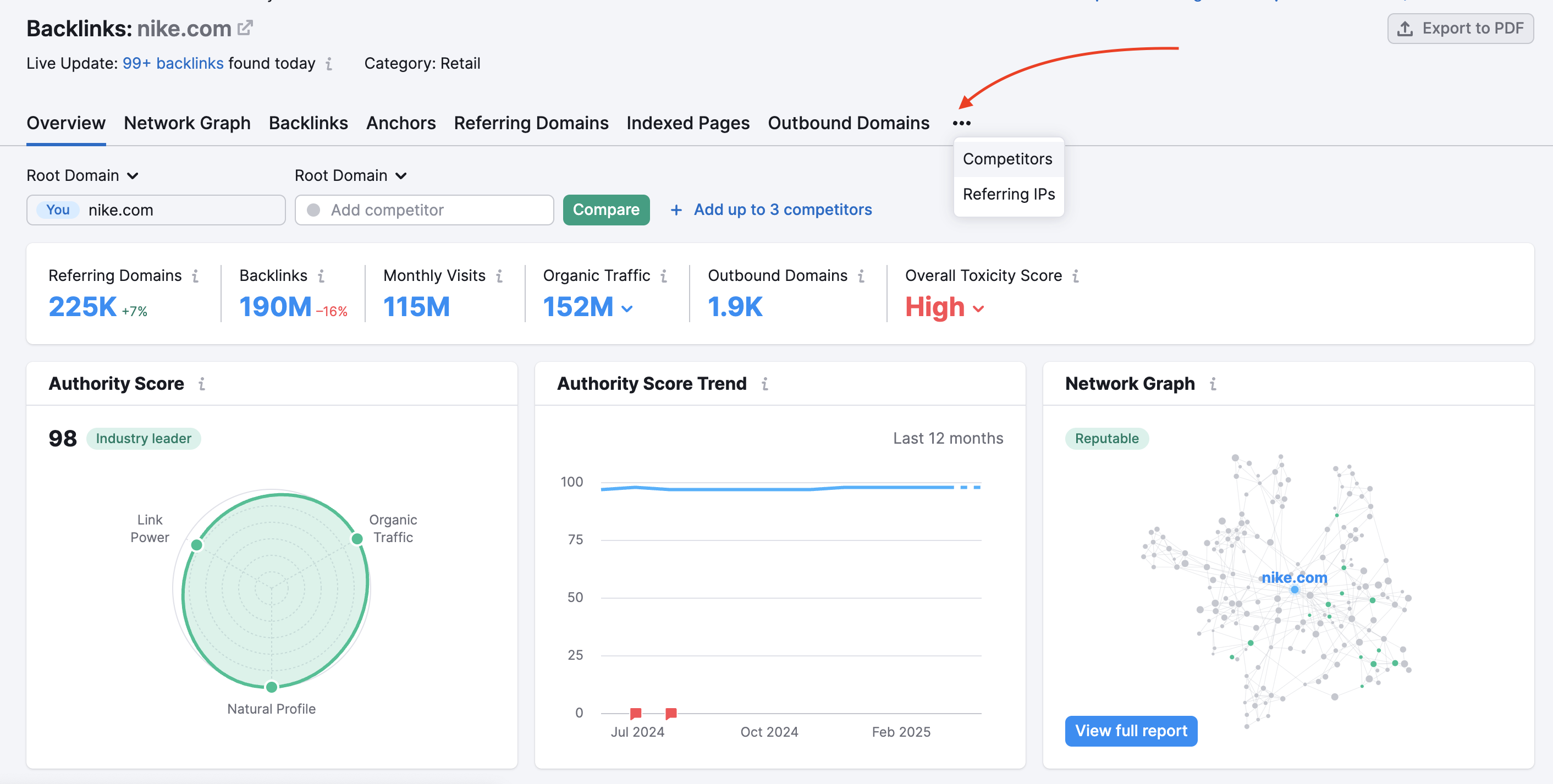
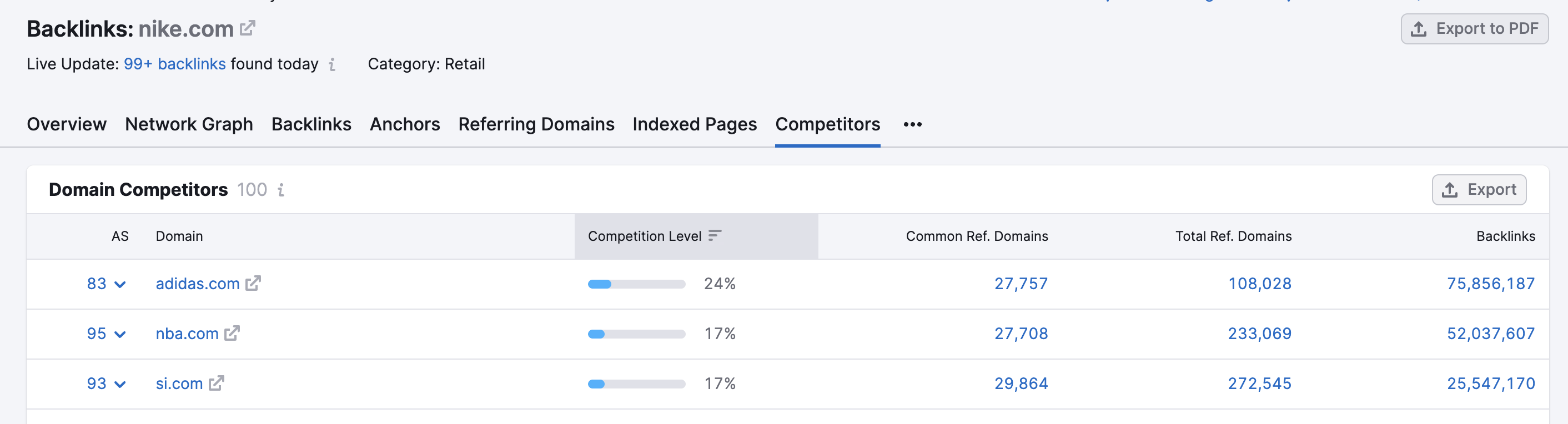
Once you have a list of your competitors, you’re now going to want to query that competitor's domain in the report. Now you’ll want to navigate to the indexed pages report and filter by Broken Pages error.
The Broken Pages filter allows you to look for links that have error codes associated with the link.

Keep in mind, that a 4xx error code means there is an issue with the website, a 5xx error code means there is an issue with the server, and a 3xx code means there is a redirect involved. For the full list of HTML status codes, read this article.
The 404 error code indicates that a link is broken, so the previously live backlinks that point to a 404 page on your competitor’s site are the links you’re looking for.
You can sort the table by the number of Backlinks or Domains. Clicking on the number of backlinks next to each URL will lead you to the Individual URL Backlinks report:

Here you will see the list of all pages referring to the broken URL on your competitor’s website. Filter the report by Active (to exclude lost links) and Export the results.

You can repeat this step for any number of broken links and any of your competitors.